Booking Forms That Stop Surprise Jobs Before the Van Rolls
Samuel Edwards · November 18, 2026
A booking form with the right intake fields, pets and condition and access, stops most of the surprise jobs that blow up on arrival. That stops being true the day nobody reads what the client wrote before the crew gets dispatched.
Instant-quote pricing already covers bedrooms, square footage, and hourly math. What sits next to those numbers decides whether a quoted two-hour job turns into a four-hour biohazard call or whether a crew drives 40 minutes to a locked gate.
Three field categories carry almost all of the risk. There is also a ceiling on how many fields a form can hold before conversion starts bleeding, and a short pre-booking message that pulls scope out of the doorstep negotiation.
The Three Fields That Catch Most Surprises
Price math handles money. The intake side of the form handles reality. Pets decide whether the crew can work in a room, whether anyone is going to get bitten, and whether the vacuum needs a different filter. Condition decides whether a standard clean is even possible, or whether the job is actually a specialty service with a specialty price. Access decides whether the van unloads or sits at the curb.
A form that only prices the job is not an intake form. It is an order form, and the surprises get absorbed by the crew. Keeping the three categories as structured fields, rather than a free-text notes box, lets dispatch route the right crew and lets office staff flag the bookings that need a phone call before anyone drives anywhere. The property record for each address is where the answers live after booking, so the next clean inherits what the first one learned. Residential and commercial intake diverge on access and scope, which is why the CRM fields for each line of business rarely want to be identical.
Pets: One Checkbox Isn't Enough
Pet ownership is the baseline case, not the edge. About 66% of U.S. households own a pet, which means a yes/no toggle answers almost nothing. What a crew needs on arrival: species, number, whether the animal will be crated or loose during the clean, and any history of aggression. A cat on the counter is a different problem than a reactive dog behind a baby gate.
Aggression history belongs on the form because the exposure is not theoretical. The Postal Service logged more than 5,200 dog attacks on carriers in 2025, with California the top state and Los Angeles the top city. Carriers walk up to roughly the same front doors cleaners do.
Pet dander also drives filter and vacuum choice across a route. Dander is among the more common indoor allergy triggers, which matters for the cleaner's own exposure when eight houses in a row keep dogs.
Condition: What Clients Won't Volunteer
Clients describe their homes the way they want the homes to be, not the way the homes are. Condition fields exist because the mismatch between the two is where the margin dies. A 1-to-5 clutter scale, a checkbox for smoke odor, one for pets with accident history, one for mold or water damage, and one asking when the last professional clean happened tells dispatch whether to send the standard crew or the deep-clean team.
Hoarding sits at the far end of this scale and shows up more often than first-time owners expect. Clinical prevalence runs around 2.5%, or roughly 1 in 40 adults, with higher rates among older clients. On a route touching 50 homes a week, the math is unforgiving.
Biohazard, needles, and rodent waste are the other items worth their own box on the form. OSHA's bloodborne-pathogens rules are the reason a residential crew is not the right dispatch for that job, and the reason the form should route it to a specialty quote instead of accepting the booking.
Access: Gate Codes, Keypads, and the Side Door
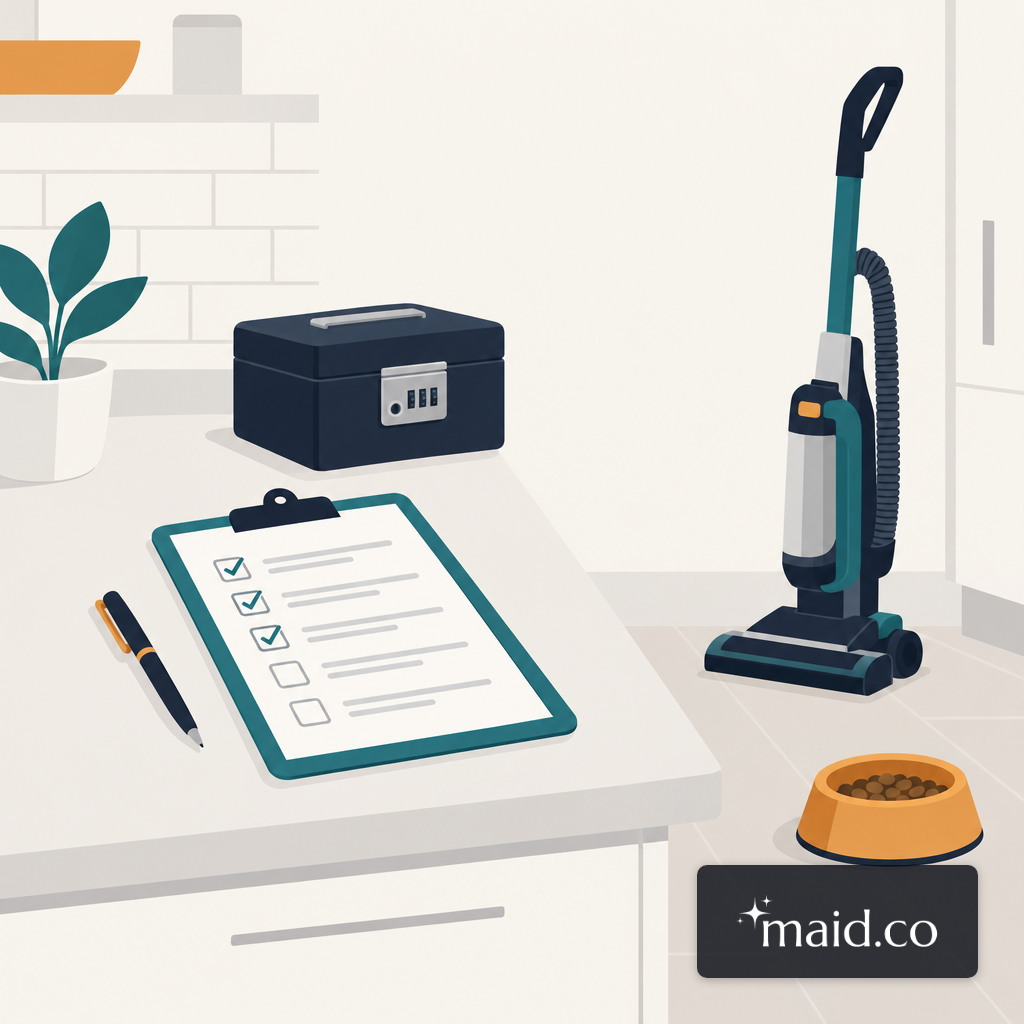
The gate code nobody wrote down turns a 90-minute clean into a 210-minute afternoon. Access fields are the cheapest to collect and the most expensive to miss. The ones that earn their space: community or gate code, keypad or lockbox code, parking instructions, which door to use, whether the client will be home, and the name of a doorman or concierge for commercial buildings.
Smart locks are increasingly how clients hand over access. About 11% of U.S. internet households have a smart lock, rising to 25% among homes with a security system. A form that only accepts a numeric keypad code misses the client who shares a single-use passcode from an app the morning of the clean, which is a different field with a different expiration behavior.
The access panel is also where a crew's injury exposure actually lives. Falls, slips, and trips account for roughly 15% of emergency-department injuries among in-home workers, often on steps, driveways, and side entrances the client never mentioned in a note. The field app the crew carries is where a photo of the correct entry point belongs, next to the address.
The Field-Count Problem
Collecting the right fields is only useful if the form still submits. Conversion drops faster than most owners expect as fields are added, and there is a point where the loss in bookings is not worth the extra signal.
The practical fix is tiering. Core pricing fields, one pet question, one condition flag, and an access block sit above the submit button. Conditional follow-ups open only when a trigger fires. Checking "aggressive dog" reveals three dog-specific questions. Checking "clutter level 4 or 5" opens the deep-clean upsell. The structure keeps the median client's form short without starving dispatch of what it needs on the edge cases.
Deposits and the No-Show Math
A deposit is the second lever on the booking form, and it does a different job than any single question. It shifts the question from "if the client shows" to "which client". Deposit-required bookings bias toward clients who intend to keep the appointment and who have read what the service includes.
Not every service line should carry one. Recurring maid service already has the lowest no-show rate because the relationship does the work. One-time deep cleans, move-outs, and commercial walkthroughs are where a 10 to 20% deposit or a hold on file does the most to reduce the empty trip. The pricing fields covered in the instant-quote piece decide the dollar amount; the condition fields decide whether that amount is even close to right.
Setting Scope Before They Book
Scope is not a field, it is a document that moves next to the form. The cleanest fix to doorstep negotiations is a short message the client reads before the form submits, naming what is and is not included, and what the add-ons cost.
The add-on list sits next to the base price so clients choose at booking rather than at the door. Oven interior, fridge interior, interior windows, blinds, linens, cabinet fronts. Each one gets its own line and its own number. Tasks the business refuses entirely, exterior windows above the ground floor, biohazard cleanup, animal waste, go into a short "not offered" list so there is no grey area at the keypad. The checklist for each service type is the version the crew works from, so the client-facing scope and the crew-facing tasks come from one source.
- 1Establish the math foundationPrice add-on labor at estimated time times hourly rate, with a $60/hour floor.
- 2Create a set add-on price listFix prices for oven, fridge, windows, and the other common extras.
- 3Send the list in advanceShare scope and add-on pricing before booking so expectations are set.
- 4Define service boundariesDecide in calm daylight which tasks are in scope and which are refused.
- 5Communicate professionally at the doorUse consistent scripts for add-on asks and for refused tasks.
- 6Quote via built-in systemsPre-price add-ons in the booking tool so quotes reflect all options upfront.
The Rate That Says the Form Is Working
The one number worth watching is the surprise-job rate: jobs where quoted time, price, or scope moves on arrival, divided by jobs dispatched. A booking form earning its place keeps that rate under about 5%. Over 15% and the form is an order form, not an intake form, and the crew is absorbing the overrun.
Two softer signals say the form is slipping before the rate shows it. Dispatch starts calling clients the day before to confirm things the form should already know. Crews start texting the office from driveways. Either one means the fields have fallen behind what the route actually encounters, and the fix is usually two or three new conditional branches, not a longer form.